
CS2 Cheats Not Working? Common Problems and Fixes
A practical troubleshooting list for CS2 cheats that will not load, will not show a menu or stopped working after a game update.
When a CS2 cheat stops working, the cause is usually simple. This list covers the most common reasons and what to try first.
The cheat will not load
- Check the order. Some products must be loaded before the game and others after. Read the guide for your version.
- Run as administrator. Many loaders need elevated permissions to work.
- Look at security software. Antivirus tools often flag cheat files. If your product guide tells you to adjust exclusions, do so carefully and only for the file you trust.
- Confirm you have the current version. An old build will not match a newer game version.
The menu does not appear
- Make sure you are using the correct menu key from the guide.
- Try opening it from the main menu and in a match, since some products behave differently in each.
- Check that the game is running in a mode that works with the cheat. Fullscreen and windowed settings can matter for overlay based visuals.
Features stopped after a CS2 update
Valve updates the game often, and updates can break cheat features. When that happens, the usual fix is a new build from the provider. Check the provider's announcements or Discord for update notices, and avoid using the cheat until a compatible version is released. The provider states that it updates after patches, but timing can vary.
Crashes and freezing
- Close extra overlays and background tools.
- Lower your in game graphics settings to reduce load.
- Remove settings you recently changed and test again.
- Make sure your system drivers are in good shape.
Aim or ESP looks wrong
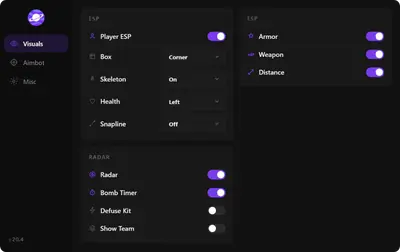
If visuals are misaligned or the aim feels off, reset your configuration to defaults and add changes back slowly. Screen resolution and display mode can affect overlays, so check those too.
Ban related problems
If you cannot join games or you suspect a ban on your account or hardware, that is a different category of problem. Our article on hardware ID bans explains what they are and what options exist.
When to ask for help
If none of this works, contact support through Discord or a ticket with details about your version, your system and what you tried. The more detail you share, the faster the answer.